

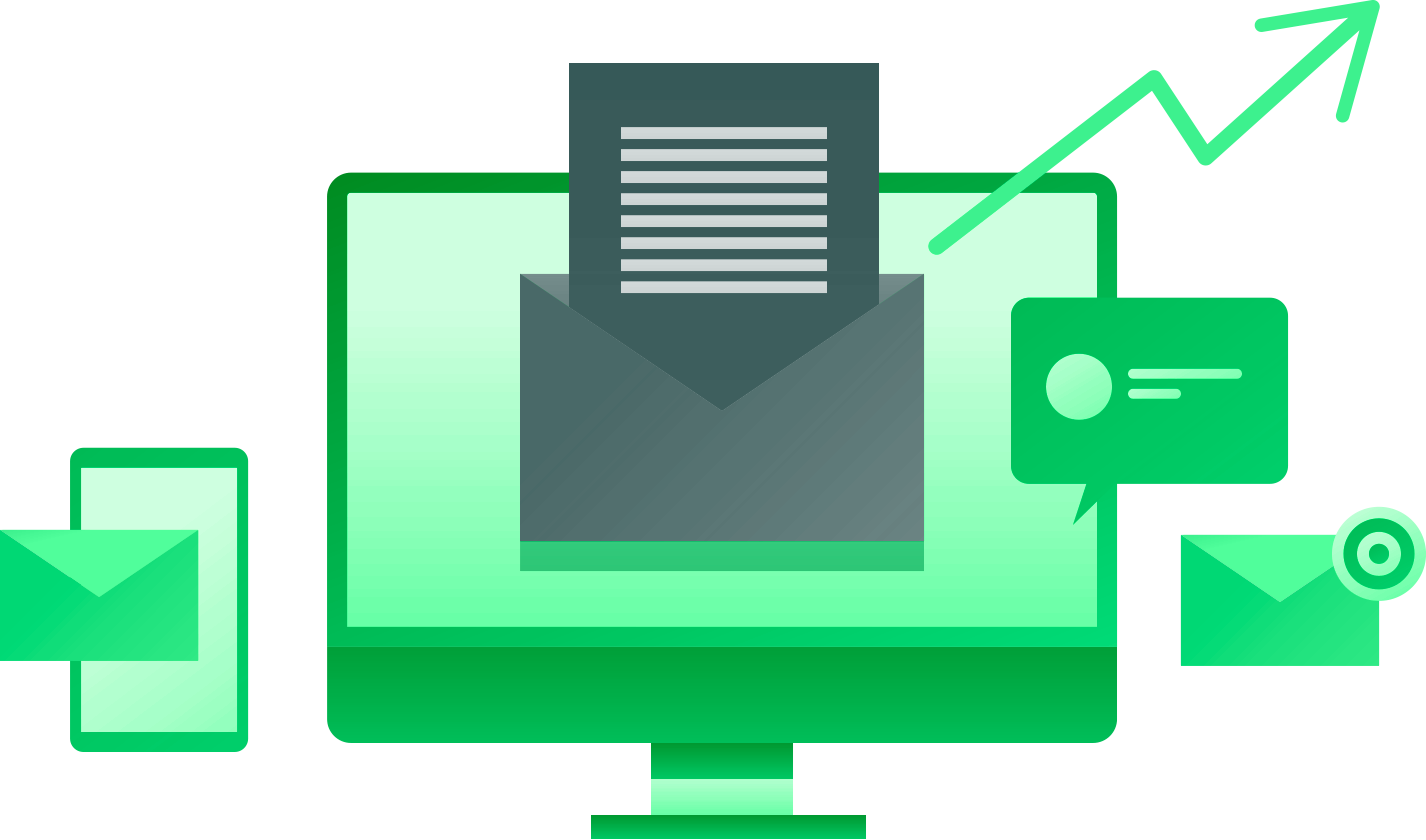
Increase the Power of Sage Intacct Email
Native In-App Email Blasting for Secure, Scalable Communication
Send secure, professional mass emails directly from Sage Intacct — using your existing contact data to deliver personalized, one-to-one messages at scale without external tools or exports.
Application Overview
Send emails directly inside Sage Intacct
Select recipients from existing contact records
Deliver messages as individual emails (not bulk blasts)
No external email platforms required
Scheduled and on-demand communication options
The Sage Intacct Email Blaster is accessed directly within the Send Email menu inside Sage Intacct. Users select contacts from existing records and send messages using company-managed email addresses such as noreply@ or info@.
There are two sending modes available. In Blast mode, emails are sent individually to a group of recipients, ensuring privacy. Recipients do not see who else received the message. This method also supports personalization through mail-merge style variables like first name, last name, and other contact fields.
Alternatively, users can choose Email mode, which functions like a traditional email. In this case, recipients can be added to the To and CC fields, and all recipients are visible to one another.
Everything runs natively inside Sage Intacct, with no exports, third-party tools, or additional systems required.
How the Sage Intacct Email Blaster Works
Who Uses the Roghnu email Blaster?
Operations Teams
Send company-wide updates instantly
HR & Internal Comms
Share policies and employee notices
Leadership
Deliver consistent organizational messaging
Benefits of the Sage Intacct Email Blaster App
-

Streamlined Communication
The Email Blaster eliminates the need to export contact lists or maintain external mailing tools. Users can initiate communications directly from Sage Intacct, reducing steps and improving efficiency.
-

Improve Data Accuracy and Compliance
By sourcing recipients directly from Sage Intacct contacts, the application ensures email lists remain current and aligned with authoritative system data, minimizing the risk of outdated or incorrect recipient information.
-

Recipient Privacy & Professionalism
Each email is sent as an individual message rather than a bulk distribution, preventing exposure of other recipients’ email addresses. This improves professionalism, reduces compliance risk, and enhances trust among recipients.
-

Personalized Messaging at Scale
Custom variable syntax allows organizations to personalize emails with contact-specific data (e.g., first name, last name), improving engagement while still supporting mass communication.
-

Reduced Operational Overhead
Organizations can avoid additional licensing costs and administrative overhead associated with third-party email distribution tools by leveraging functionality already embedded within Sage Intacct.
-

Strong Return on Investment
Save time, reduce software costs, and streamline internal communication workflows.
Why Choose Roghnu
A Smarter Way to Connect Data, Decisions, and Growth
Business leaders choose Roghnu because it transforms fragmented data and manual processes into a single, powerful source of insight.
Secure Data Vault Architecture
Enterprise Data Management

Unified Reporting Capabilities

Sage Intacct Partner & Expertise

Platform Scales With You

Beyond this application, We Also Have Integrations for:



Frequently Asked Questions
Email Blaster Application for Sage Intacct FAQs
-
The application runs directly inside Sage Intacct and is accessed through the Send Email menu.
-
No. All emails are sent directly from Sage Intacct using company-managed email addresses.
-
Yes. The application supports mail-merge style variables such as first name, last name, and other contact fields.
-
All emails are sent using existing Sage Intacct contact records, ensuring accuracy and consistency.
-
Yes. Attachments such as company documents and PDFs can be included.